


About
AI-assisted analytics with scientific precision
The AI assistant for managing all your tabular data with scientific precision. It transforms the way you work with Excel, CSV, or text files by combining intelligent visualization with conversational AI. Effortlessly upload and explore multiple datasets, clean and transform your data, and generate charts or statistical insights in seconds. Ideal for analysts, researchers, and non-technical users who want to analyze and report data—without writing a single formula or line of code.
Key features
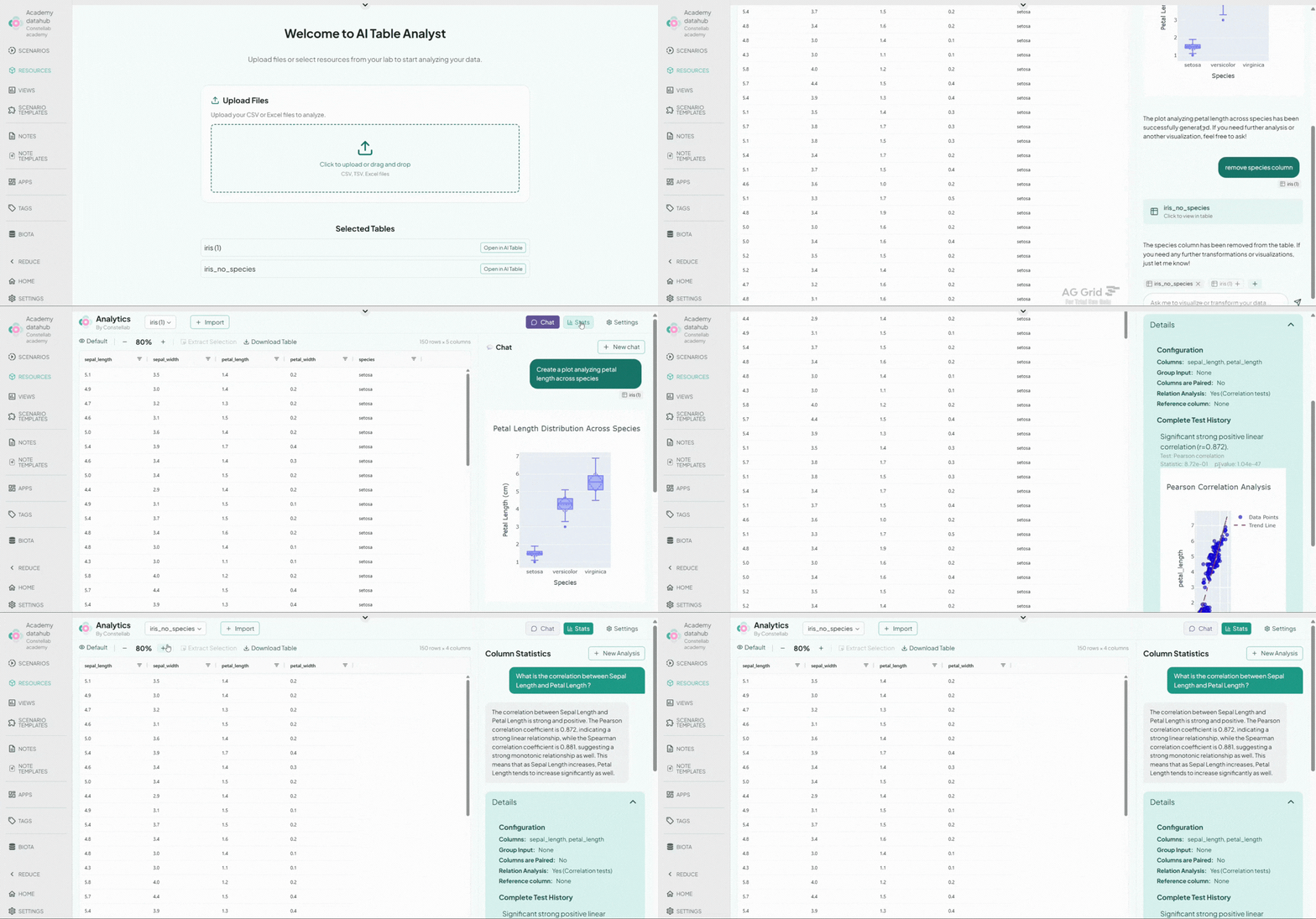
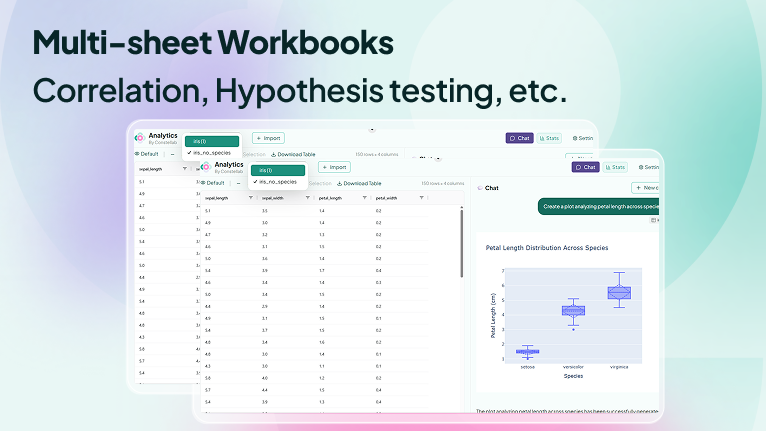
Multi-File Management: Upload and work with multiple Excel (.xlsx) and CSV files at once. Effortlessly switch between datasets and keep everything organized in a single workspace.
Multi-Sheet Navigation: View and navigate Excel workbooks with multiple sheets. Move between tabs seamlessly without leaving the application.
Smart Data Selection: Select specific rows, columns, or regions to instantly create new sub-tables. Perfect for isolating relevant data, comparing subsets, or preparing focused analyses.
AI Chat Assistant: An integrated AI assistant with full contextual access to your selected data. Interact in natural language to:
- Clean, filter, sort, or transform your tables
- Merge columns or reformat data structures
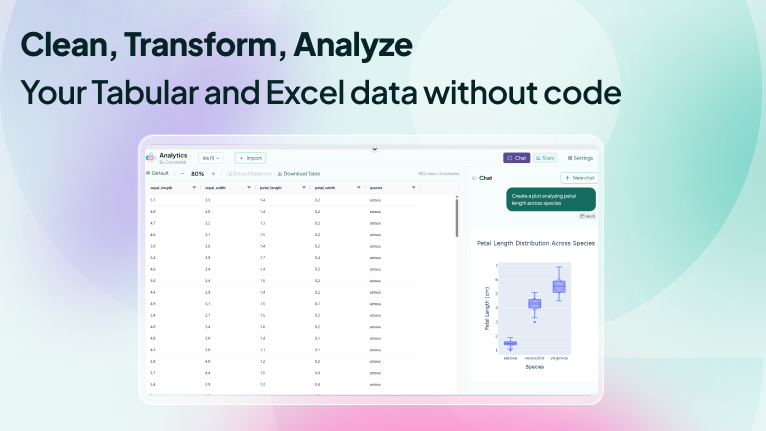
- Generate charts and visualizations
- Extract insights or perform guided analyses
- Automate repetitive spreadsheet operations
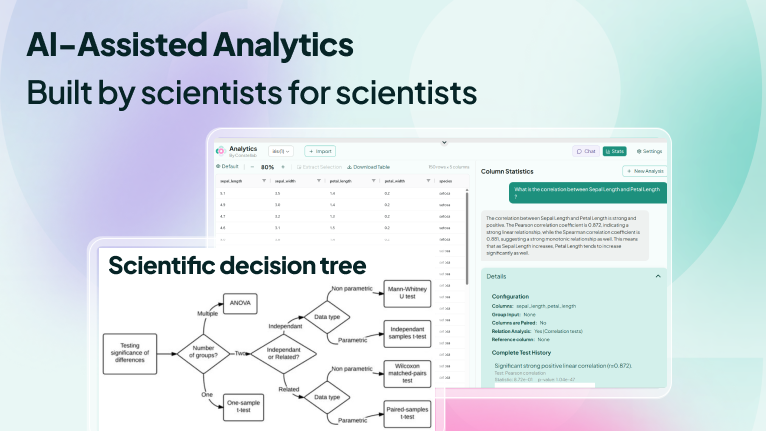
Stats Chat (Descriptive & Inferential Analytics): Ask statistical questions directly in chat and get instant results, including:
- Means, medians, standard deviations
- Correlations and regressions
- Hypothesis testing and significance analysis
How it works
- Users upload one or more Excel or CSV files.
- The app parses and displays the data, supporting multiple sheets where applicable.
- Users can explore the data visually and select parts of it as needed.
- Through the AI chat interface, users can ask for transformations, calculations, statistical analyses, or visualizations.
- The processed results (e.g., transformed tables or charts) are displayed in the app and can be downloaded or reused.
Benefits
- No need to write formulas or code
- AI interprets natural language instructions and propose solution using a predefined decision tree
- Works with complex, multi-sheet files
- Saves time on data preparation and reporting
- Provides statistical insights directly from your data
- Ideal for non-technical users and analysts alike

Comments (0)
Write a comment